How to record your screen |
|
|
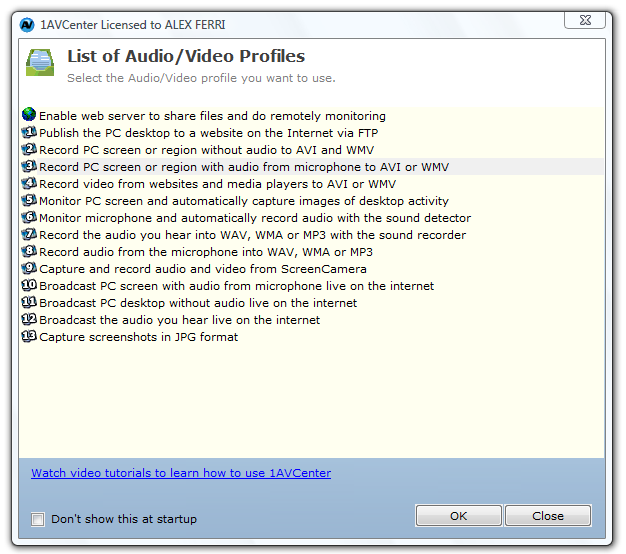
1AVCenter is a group of applications gathered in one intelligently designed user interface: screen recording software, audio capture software, live video streaming software, remote video surveillance software, windows file server, and more. |
|
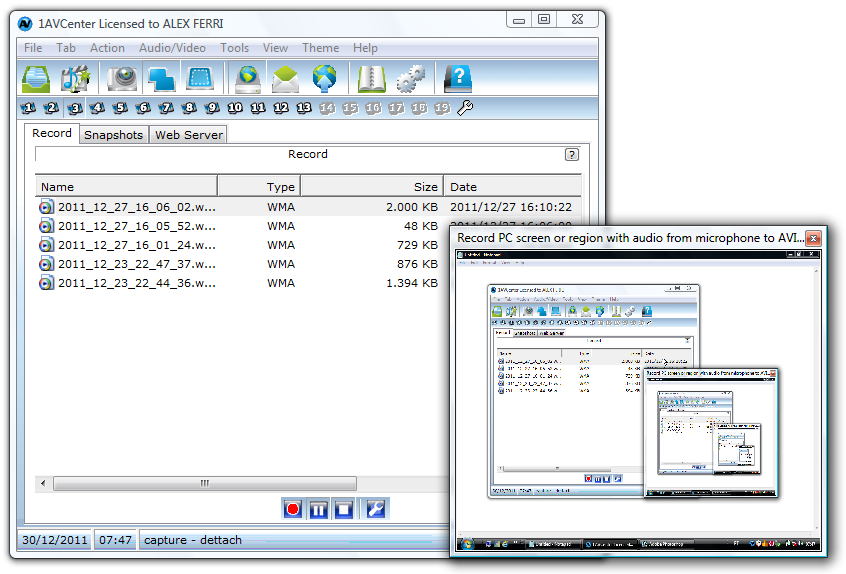
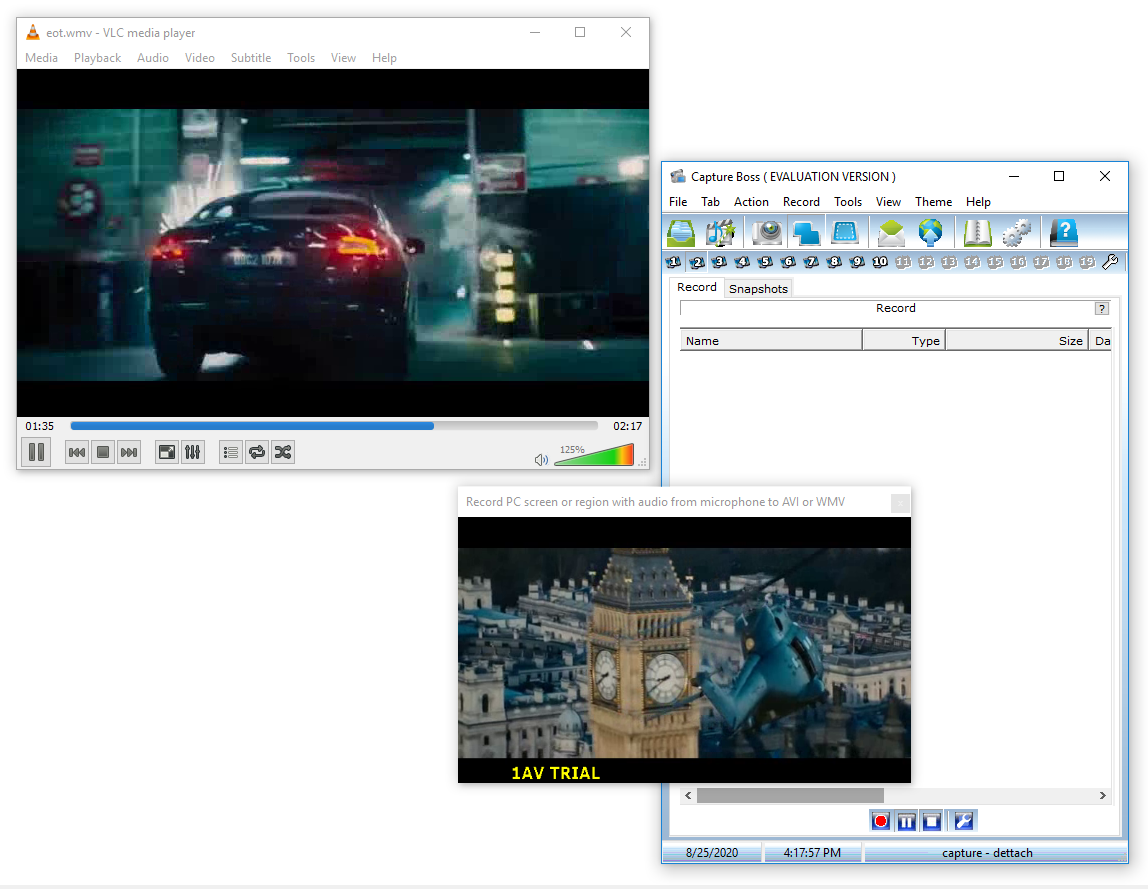
1AVCenter is a complete audio & video capture, editing, and converting suite. 1AVCenter includes the product Capture Boss with all of its features. |
|
|
|
1AVCenter is also a complete solution for live streaming on the leading platforms YouTube, Facebook, Linked In, and alike. 1AVCenter includes the product Hi-Qos Streaming Server with all of its features. |
|
Furthermore, 1AVCenter is a complete remote video and audio surveillance suite. 1AVCenter will keep an eye and ear on your webcam, computer screen, and microphone. 1AVCenter includes the product Remote Surveillance Pro with all of its features. |
|
|
|
Finally, 1AVCenter is also an Internet file server for you to securely share your files with your family, friends, and co-workers. 1AVCenter does not require client software and works with all web browsers. 1AVCenter includes the product File Sharing Pro with all of its features. |
|
Main Features: |
|
1AVCenter handles several different tasks under an intelligent comprehensible user interface. You can run multiple instances of 1AVCenter simultaneously. |